

Interactive Maps – Wayfinding
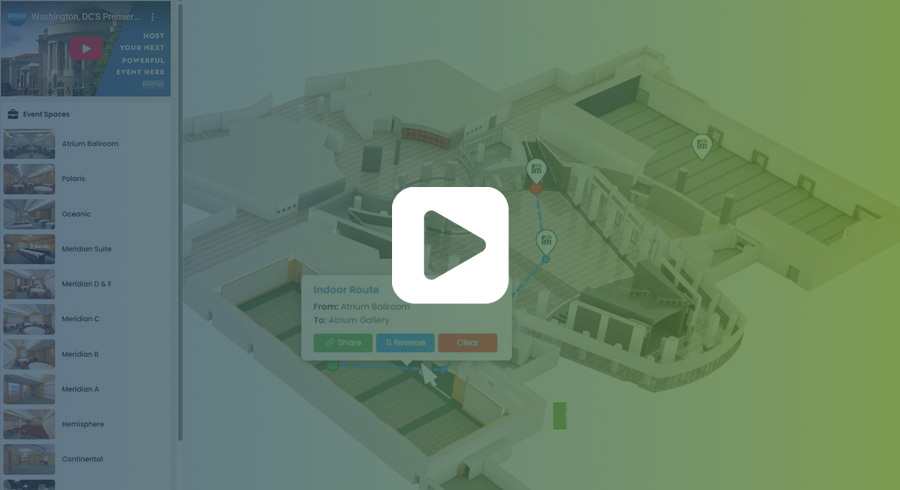
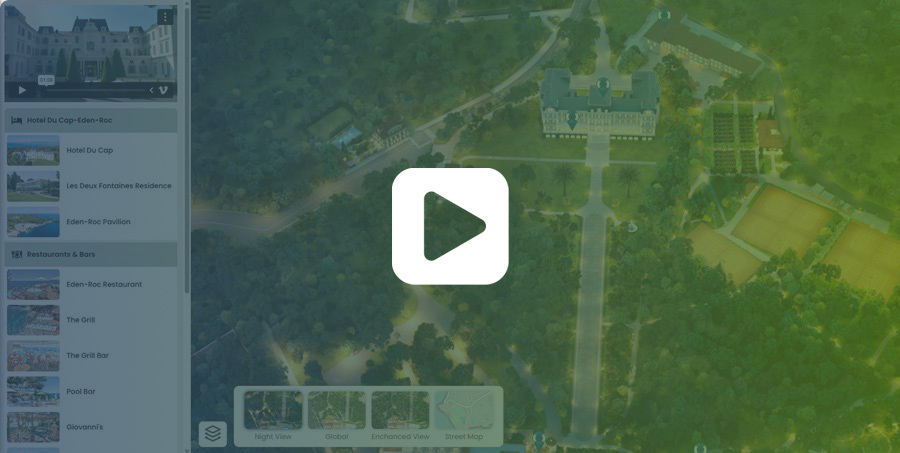
Visrez Interactive Maps now provide a visually engaging way to navigate both indoor and outdoor spaces. Users can explore resorts and venues with impressive detail and precise spatial awareness, making it easy to find their way around. They can quickly search for specific locations—such as meeting rooms, event spaces, or amenities—and receive clear, step-by-step directions. With support for multi-floor navigation, the maps are accessible on touchscreens, websites and mobile devices, making them well-suited for resorts, large venues, convention centers, and campuses.
Interactive Maps – Custom Markers
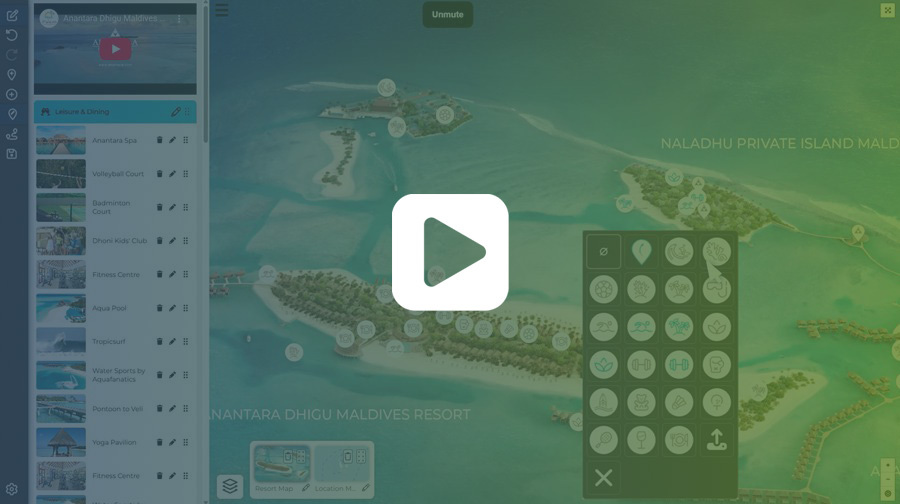
Our team has added the option to use custom markers on interactive maps so any category or placed pin can feature a unique marker. Users may pick from a selection of different shapes, customize it with our interactive shape designer, pick a color and border style, and add a logo or text, in a font of their choice or one used in their website, to create a unique marker, seamlessly matching their branding and differentiating categories.

Interactive Maps – Theme Editor
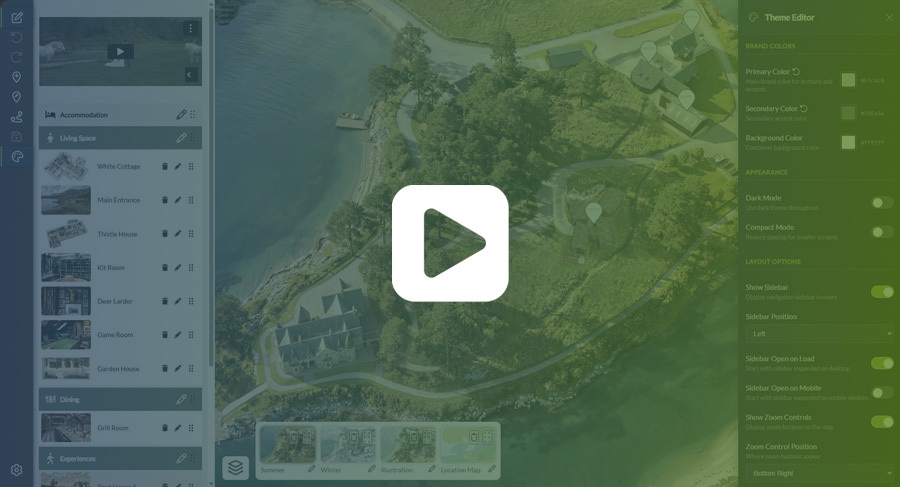
Interactive Maps now has a theme settings controller so users can configure map layout and styling. This is a big step forward as users can now control menu positioning, primary and secondary colours, screen formatting and zoom controls. The theme editor also allows users to select the popup style with a new card overlay format with a larger image and text area.

Interactive Maps – Layer Styles
Our team has been developing new styling layers for Visrez’s interactive maps. These layers give our maps a unique new look, making them more engaging, flexible, and visually impactful. The new layers can be added seamlessly to existing maps, allowing users to change the mood and look of an image based on time of day or even season. A sunny summer map can transform into a snowy winter scene, and be used effectively for different contexts and occasions. Alternative styles enhance the visual appeal of the interactive maps and align them with branding or seasonal campaigns. The feedback we have got so far is that the additional map styles make the maps more engaging and dynamic. Our maps team is continuing to refine and expand these styles, and we’re excited to share some early examples of what’s possible.

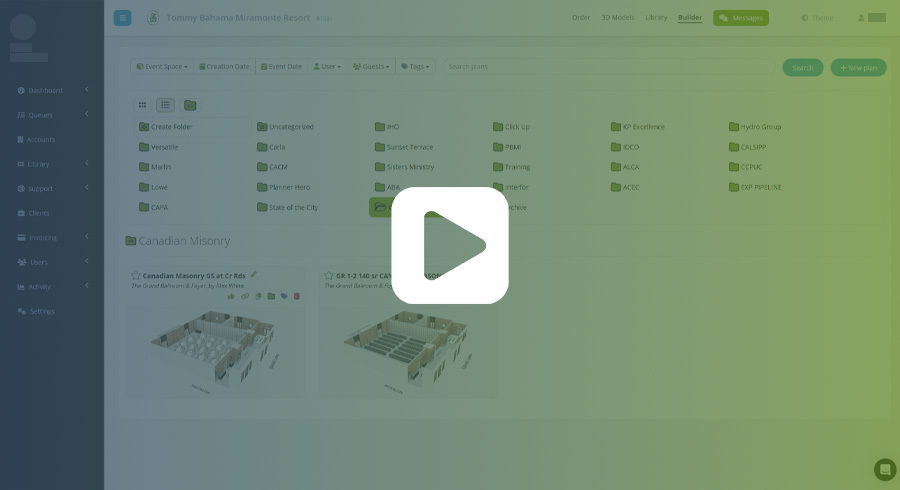
Floor Plan Builder – Drag & Drop Folder Tools
Floor Plan Builder has received a major update with the introduction of new folder tools, designed to improve how event plans are organised within the platform. This feature has been highly requested—particularly by larger client teams which see hundreds of plans created each month. The intuitive drag-and-drop functionality for moving plans between folders, along with options to rename, delete, and archive plans significantly improve the organisation of event plans in Visrez. Our development team has added the ability to Archive plans into an archive in the event that someone deletes a plan and later needs to restore it. Given the growth of the Floor Plan Builder in recent years, the addition of folders is an important step toward improving the user experience. As there are no restrictions on user numbers in Visrez, client teams can contain a large number of users and our team recognised that a more robust folder system was essential for the smooth day-to-day operation for Floor Plan Builder clients.