
Visrez Library
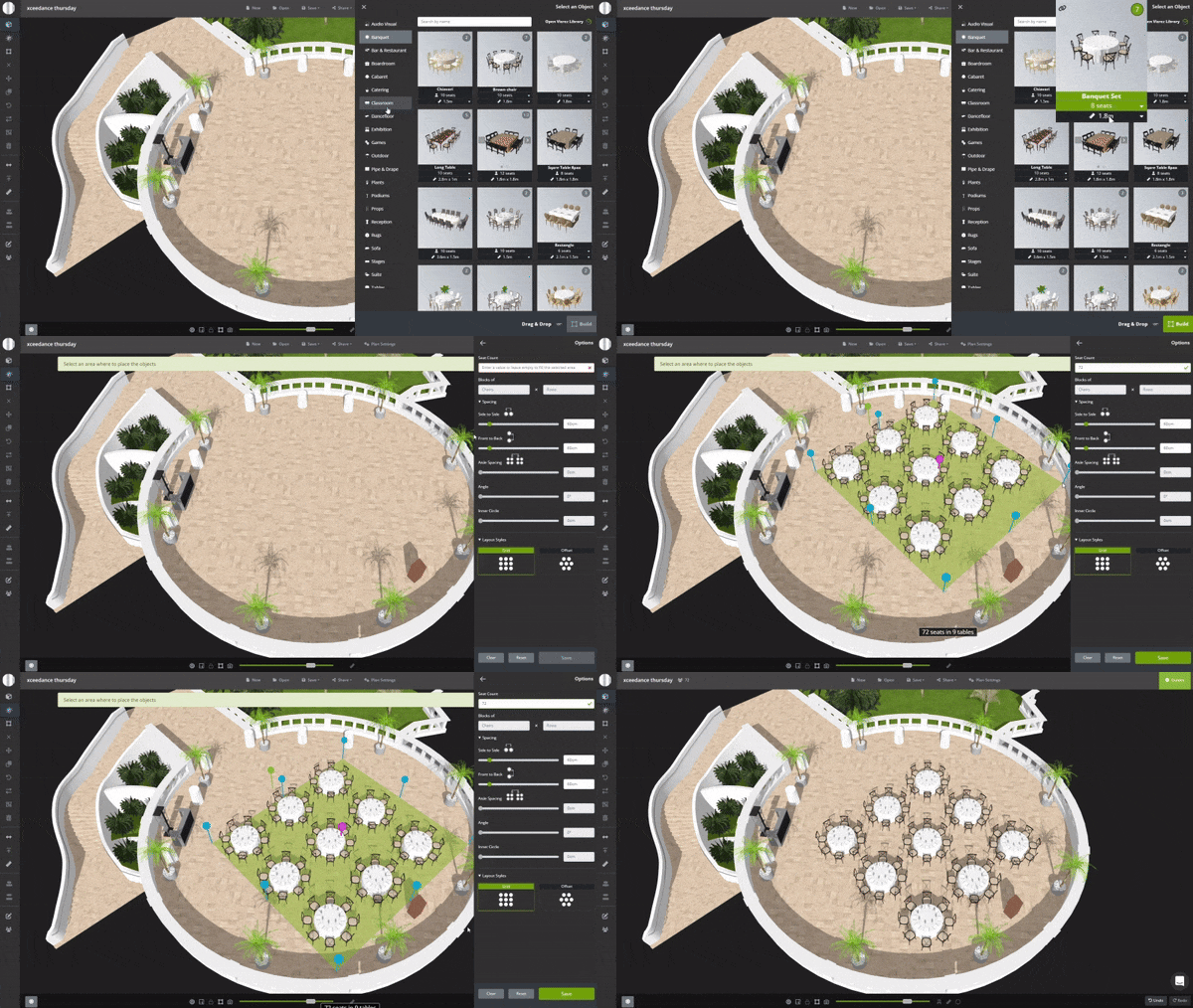
The Visrez Library is built into every user account and shared with all team members. Any object from the Visrez library can be used in event plans. Objects added to the client collection are available to all team members. New objects are added weekly by the Visrez team based on client requests.
Clicking the + beside the object in the Visrez Library will add it to your collection. To remove an object from the collection or archived if already used in a plan you simple do the opposite and un-check the object. Clicking the + beside the object in the Visrez Library will add it to your collection. To remove an object from the collection or archived if already used in a plan you simple do the opposite and un-check the object.
Client Collection
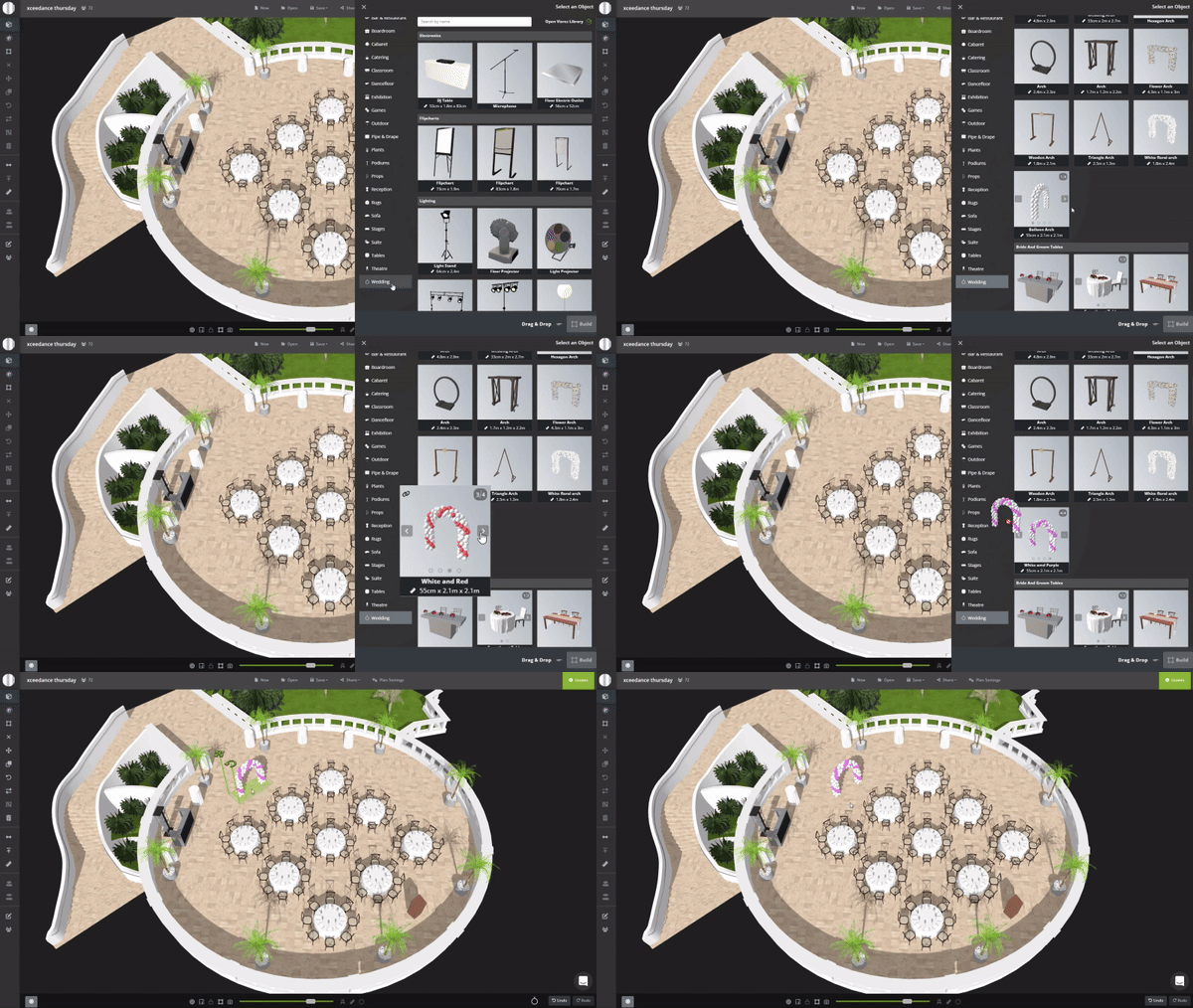
In the Main Menu the Add button (A) opens categories with objects which have been added in the client collection. The objects with different size and seating are selected from the dropdown menu and color options from the carousel slider.
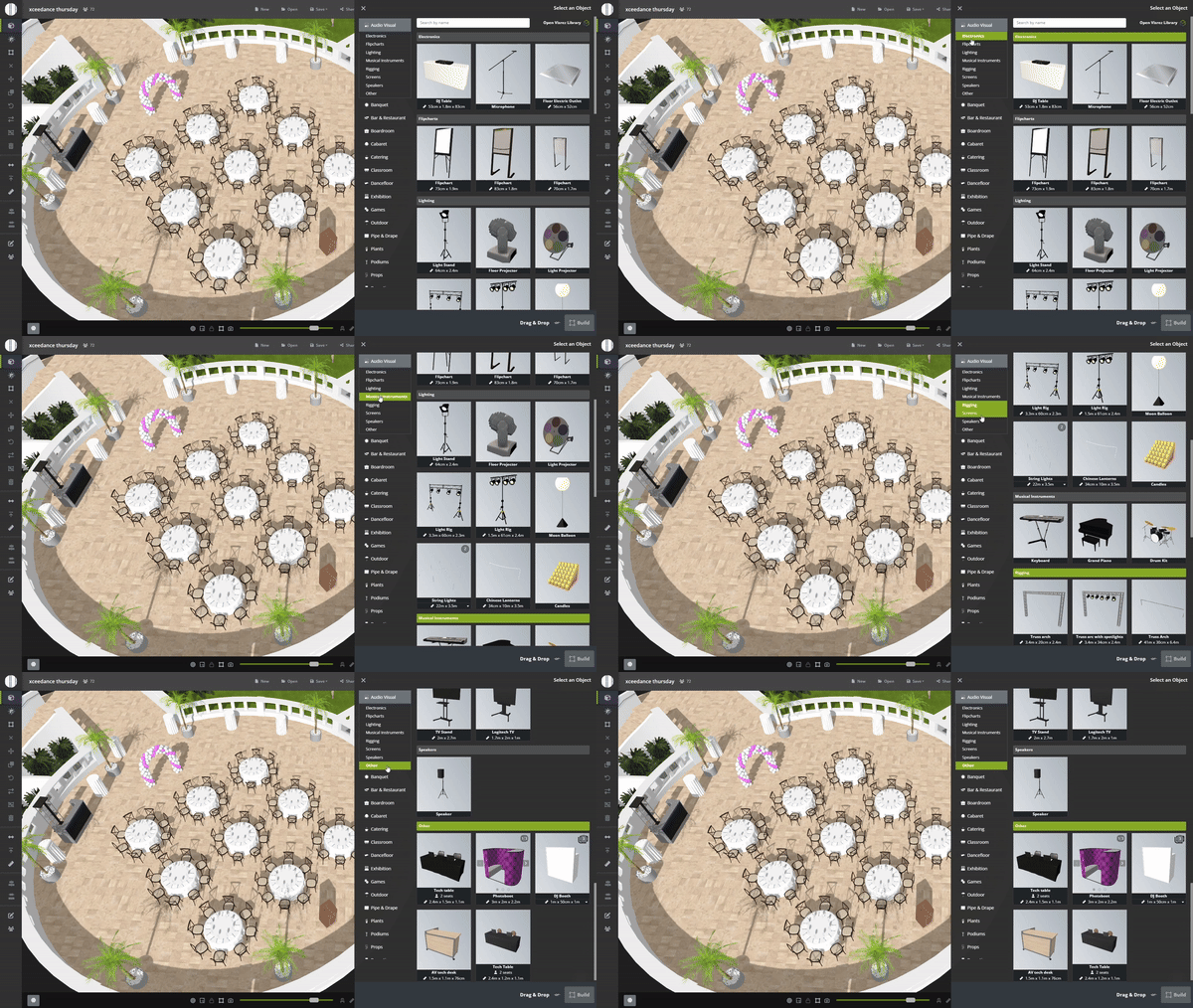
How to Add People to Event Plans
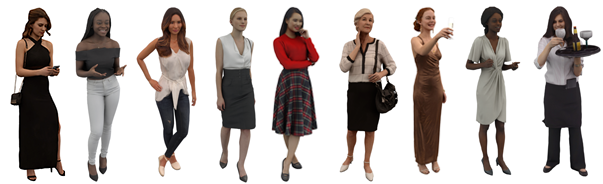
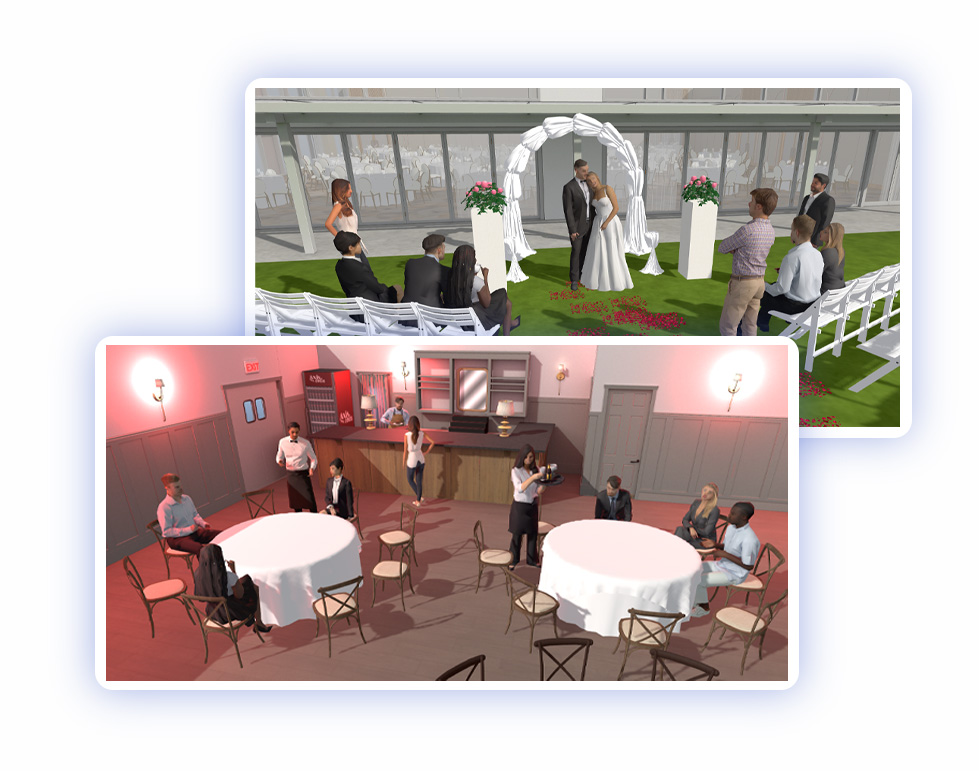
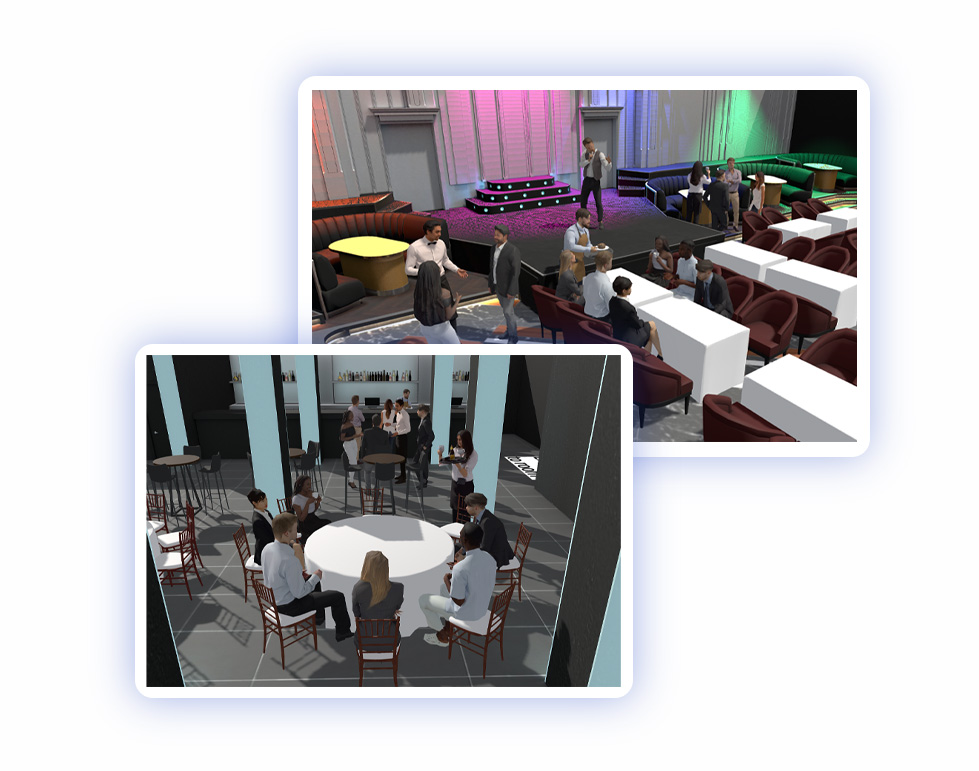
Adding human models to plans has been something our team have wanted to do for a long time but we couldn’t find a way to create realistic human models without dramatically increasing the file size of event plans. We now have a library of super realistic human characters which can be added just like furniture without slowing down the loading speed of a plan. This makes Visrez more fun than ever as users have a cast of characters to choose from depending on the type of event plan you are creating. Human models can be added individually or in groups to understand room capacities and occupancy dynamics and can help to show your clients how many people could fit inside any space.